AWS login command support of terraform
Earlier in November 2025, AWS released a super exciting feature in aws CLI: aws login (AWS blog explaining this new feature
). This is similar to the existent aws sso login, which allows you to get a temporary IAM token from STS via browser, instead of setting up long term access key. Similar aws sso login has been there for a long time, and I absolutely like it. When I set up my own AWS account, I wished to do the same, but I will have to set up an AWS Organization so as to set up the underlying IAM Identity Center, just for myself. After a series of thoughts, I believed that is an overkill. Thankfully, all of those hussles are going away with the new aws login command now!
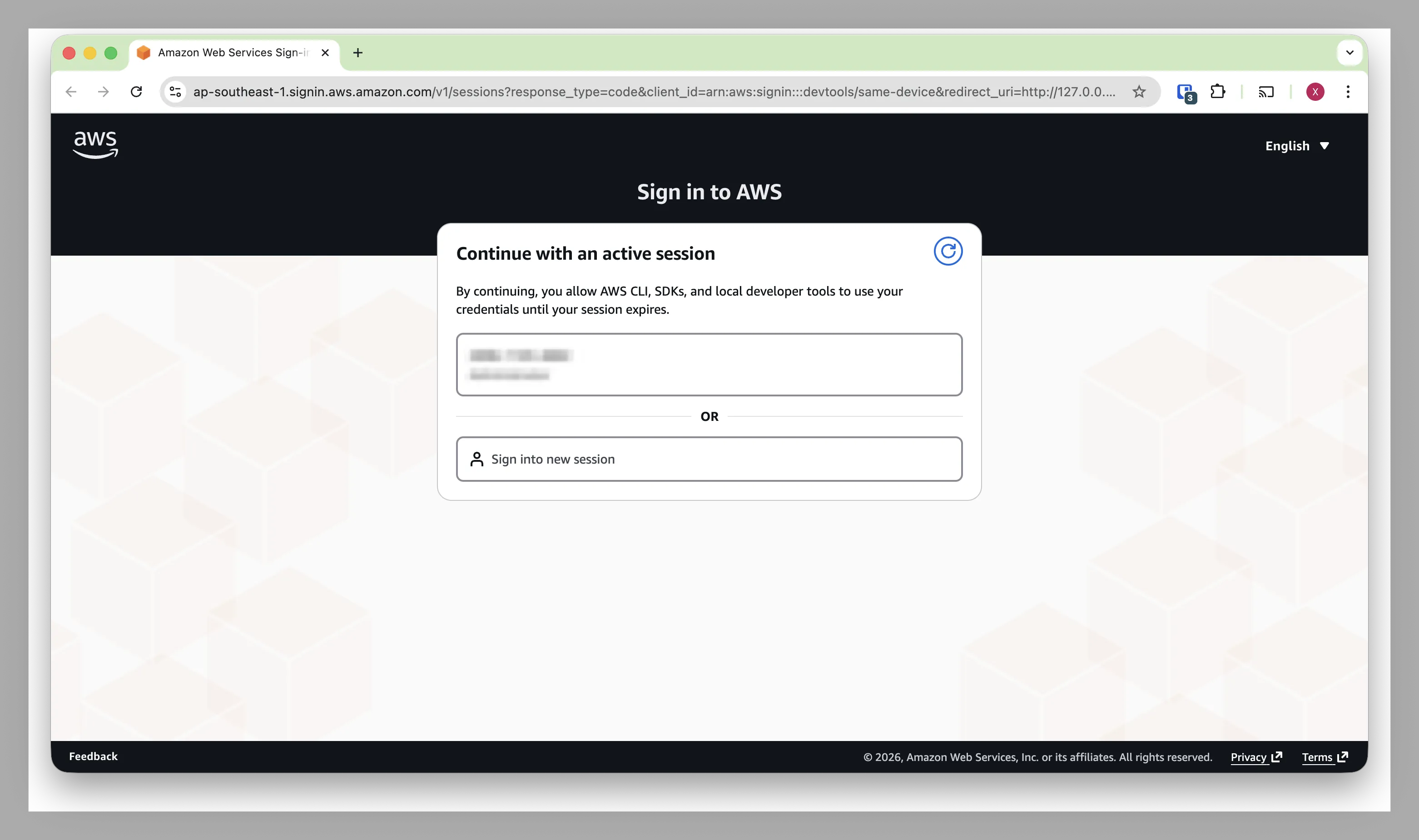
After running aws login, you will log in your AWS account in your browser (I think the underlying mechanism is OAuth 2.0). Once you successfully log in, your aws CLI in your terminal will receive the token sent by your browser.
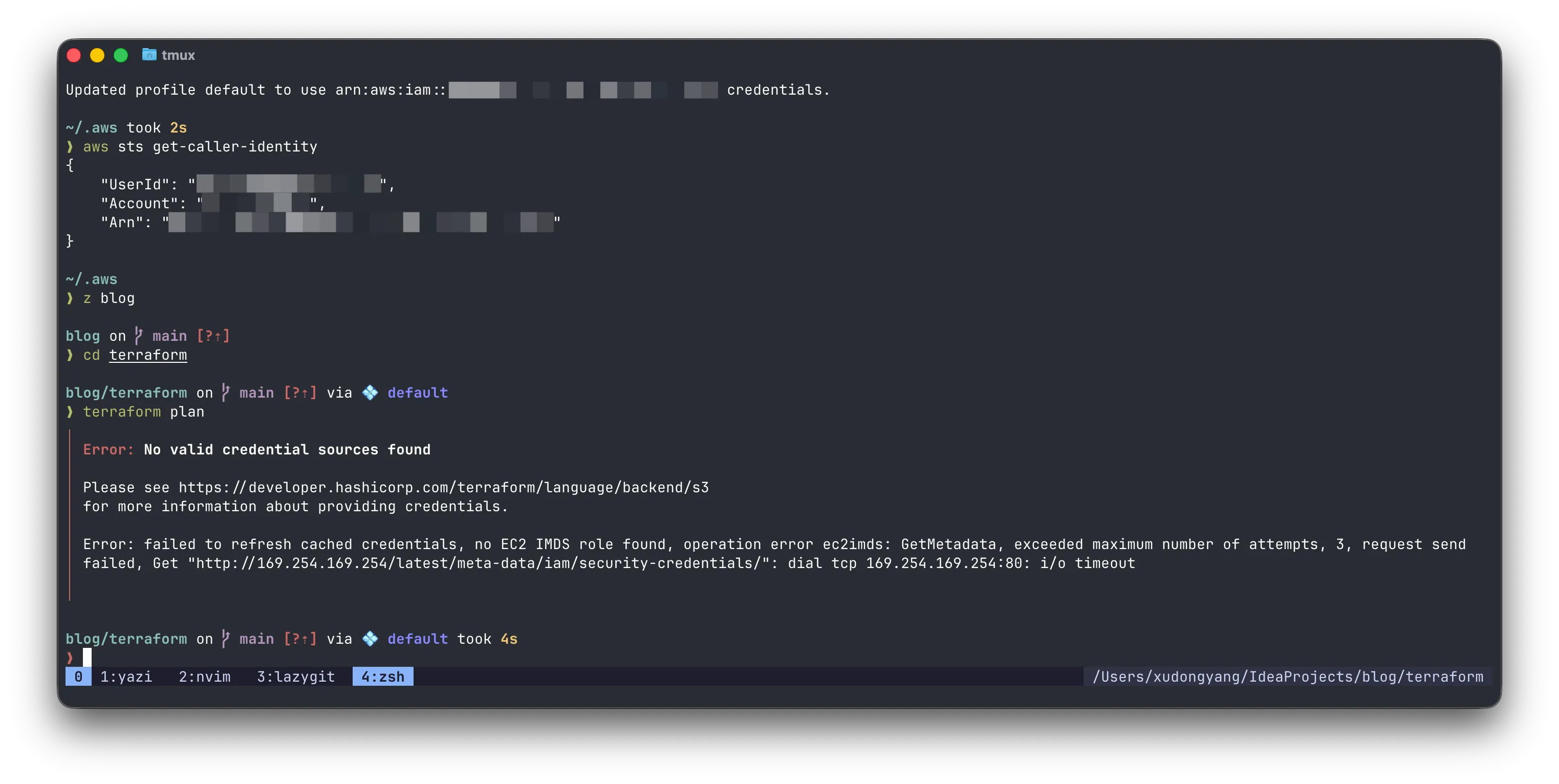
With just one problem: terraform doesn’t support it. As you can see in this screenshot, I have been authenticated using aws login command. Because of that, I am able to run aws sts get-caller-identity and all other AWS commands. However, terraform simply doesn’t recognise it.
Thanks to many engineers around the world, the issue has been fully addressed and the fix is waiting for its release. Based on this event, I took the opportunity to dive into the architecture of Terraform, and developed better understanding how Terraform works.
First of all, the core of Terraform is like a wrapper of cloud providers (such as AWS) APIs. It creates, updates and deletes cloud resources by calling cloud providers’ API, and maintain the resource state in the state file. In simple words, that’s what Terraform is.
In more detail, Terraform architecture looks a bit more like this (using AWS provider as an example):
block-beta
    block: 1
        columns 1
        terraform_cmd["Terraform Command"]
        block:2
            columns 2
            Terraform("Terraform Binary"):2
            Core
            Backend["Backend (S3)"]
        end
        space
        block
            columns 1
            provider_binary("Provider Binary")
            aws_provider("terraform-provider-aws")
        end
    end
    space
    block
      columns 1
      space
      AWS
      space
    end

    Core --> aws_provider
    aws_provider --"API Call"--> AWS
    Backend --"API Call"--> AWS

style terraform_cmd fill:transparent,stroke:transparent;
style Terraform fill:transparent,stroke:transparent;
style provider_binary fill:transparent,stroke:transparent;
Terraform binary is the terraform command that we install, and provider binary is the binary that terraform init downlaods. They are developed in different repositories. In the example of AWS (using AWS provider, and using AWS S3 as Terraform backend), the backend module of terraform itself needs to talk to AWS, and the provider also needs to talk to AWS. As a result, to make sure terraform supports this new AWS feature, two places needs to be updated.
They are managed in those places:
- PR to support aws login for S3 backend in hashicorp/terraform repository
- terraform-provider-aws repository (I can’t find a PR for this change, but this is the relevant line to make it supoprt aws login command)
So the change is actually very simple. When AWS releases this new feature of aws login command, they also released a new aws-sdk-go-v2 version. I am not sure which exact version it is, but I guess it is v.1.41.0 based on the PR of hashicorp/terraform project.
At the time of this writing, the terraform-provider-aws project has released. I can’t find the exact version, but upgrading to a newer AWS provider version should fix it. If you use S3 as the Terraform backend, which is exactly how it fails in the earlier screeenshot, the fix will be shipped in the upcoming terraform v.1.15.0. At this moment, it has released the first candidate v1.15.0-rc1
. It shouldn’t be far away now!
As a free software alternative of terraform, opentofu also made similar change. Here is their PR
. At the time of the writing, opentofu has released a beta version v1.12.0-beta1
for it too.